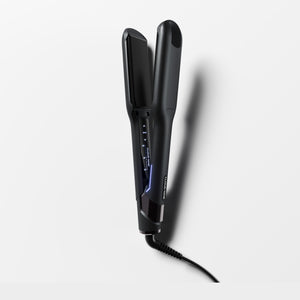
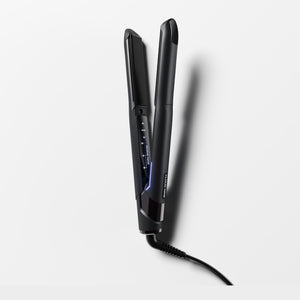
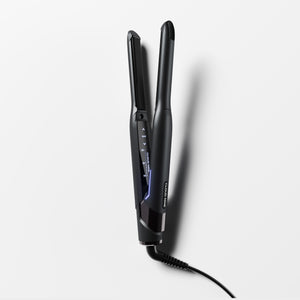
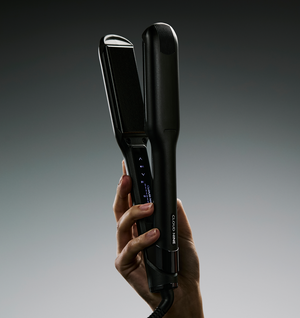
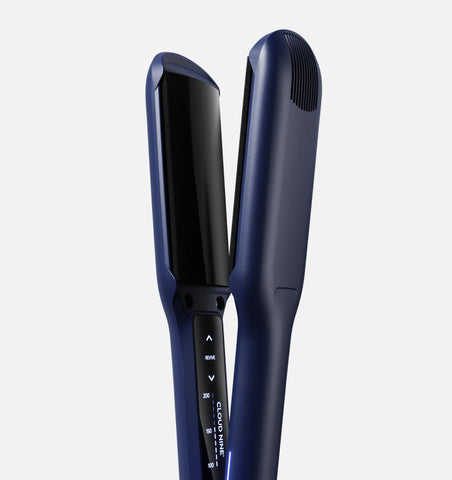
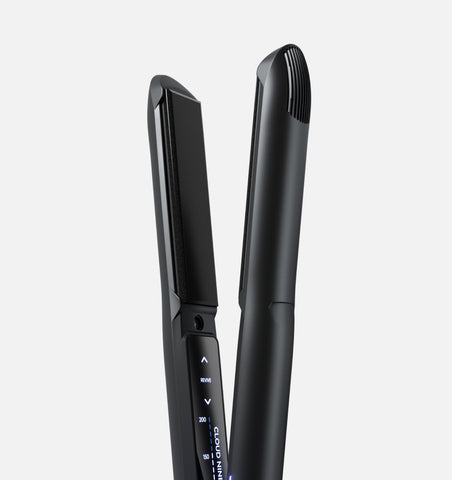
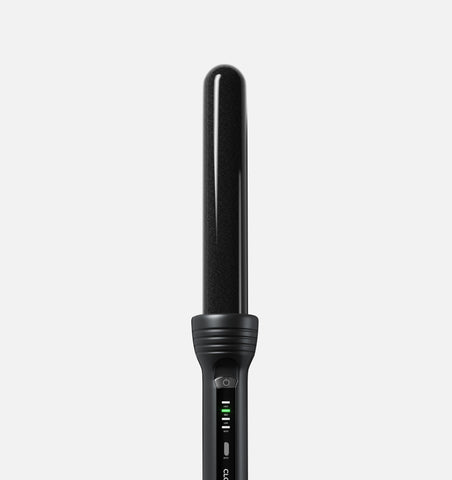
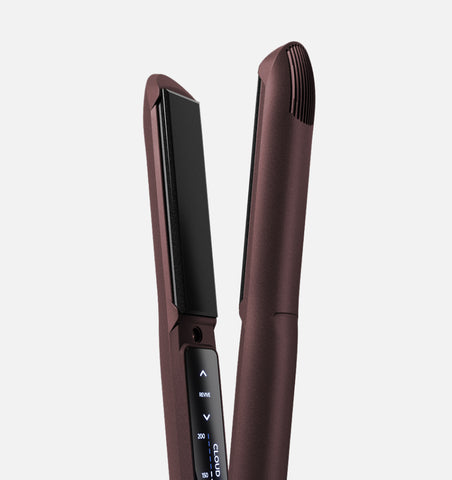
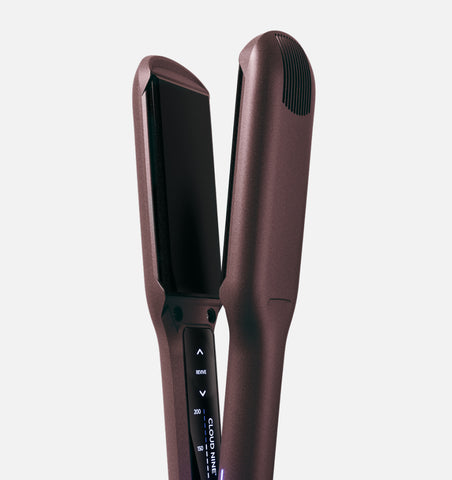
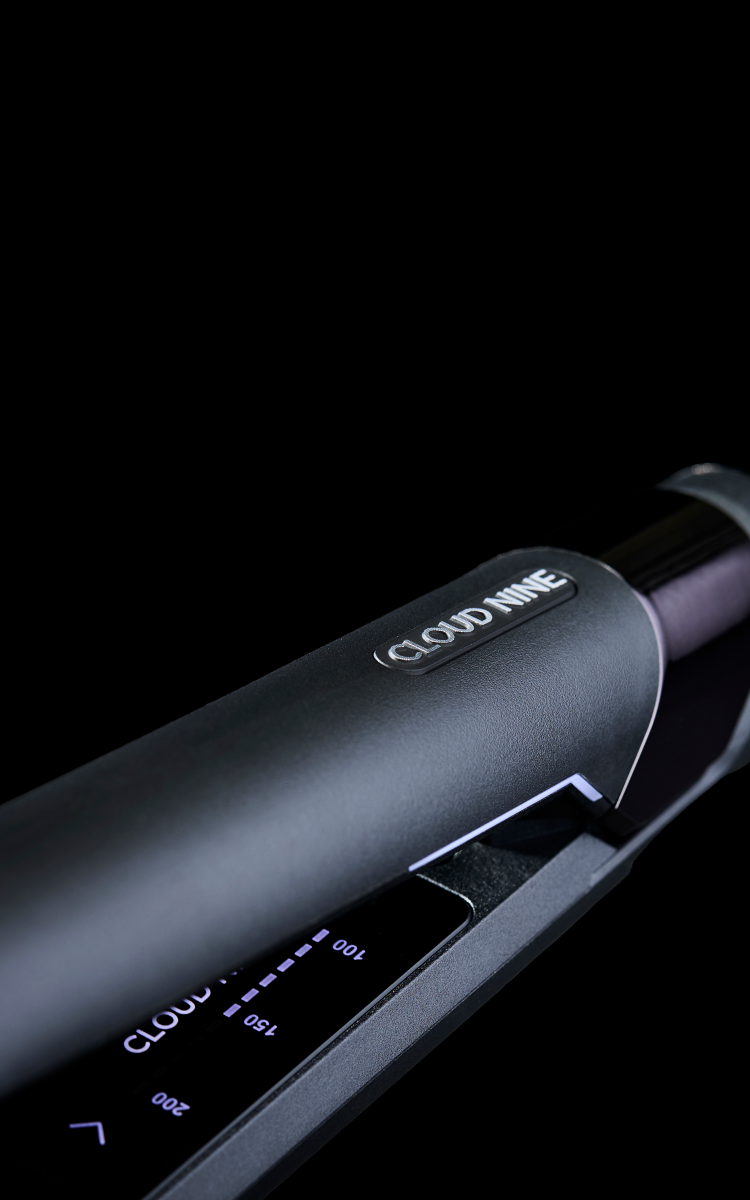
11 settings 100-200°
Revive Mode®
Wider-curved plates
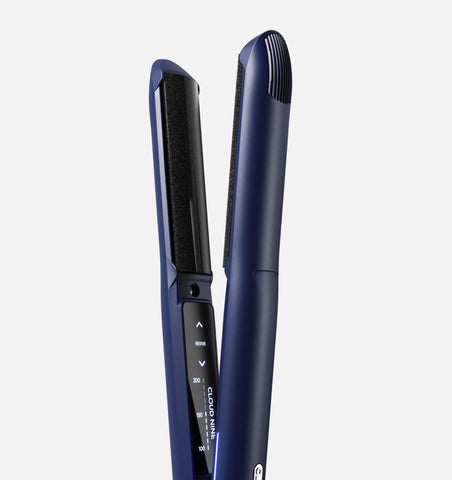
11 settings 100-200°
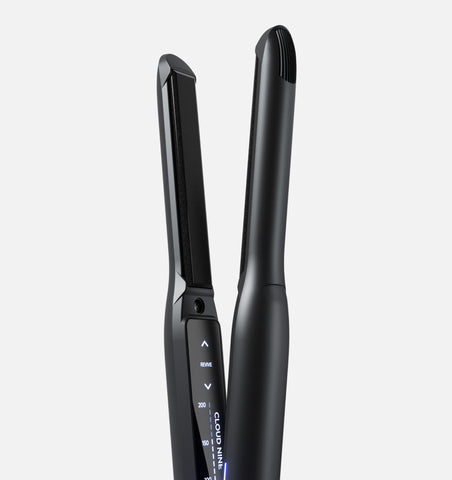
Revive Mode®
Curved plates
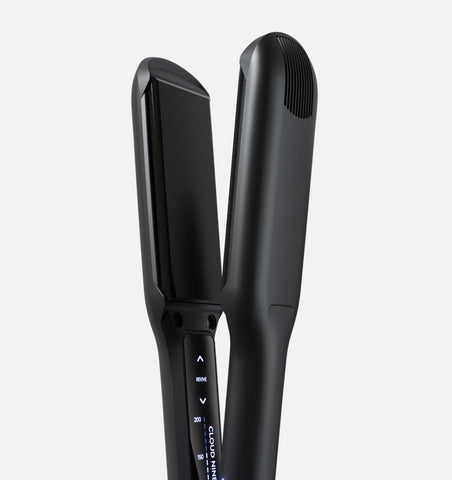
11 settings 100-200°
Revive Mode®
Wider plates
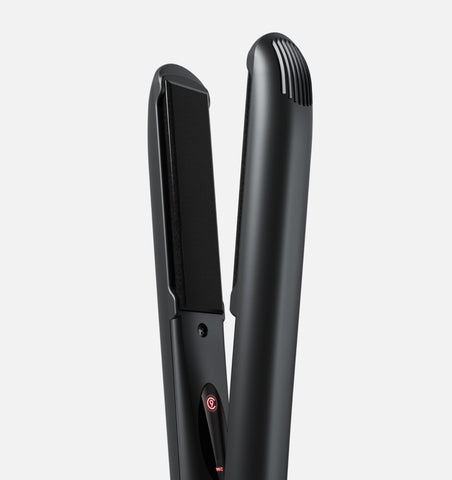
11 settings 100-200°
Revive Mode®
Standard-size plates
11 settings 100-200°
Revive Mode®
Slimmer plates
2 settings 165-195°
Standard-size plates
Sericite®-infused plates
If your straightener vibrates during use, that means Revive Mode® is switched on. When activated, the plates vibrate when pressed together. This reduces friction, improves glide, and minimises breakage.
Learn more about Revive Mode® in our blog here.
On the temperature control dashboard, the word “REVIVE” will be illuminated when Revive Mode® is activated. If you wish to turn this off, simply press the power button once (don’t hold it down) until “REVIVE” is no longer illuminated. When you push the plates together, the iron should no longer vibrate.
Our straighteners come with a thin clear protective film over the LED touchscreen that controls the temperature. Sometimes, this film scratches, making the dashboard appear scratched.
The film layer can be a little tricky to see, but you can gently peel at one of the corners to remove this.
The product should be in perfect condition underneath the protective film layer.
Watch a video tutorial here.
You may notice a small gap when the plates are closed together, but this is completely normal and designed to better protect your hair.
This is due to our unique floating plate design, also known as Spring-Flex Technology™.
Our flexible straightener plates gently adjust as you style, to reduce pressure, pulling, and breakage while allowing the iron to glide smoothly through your hair.
Learn more about the benefits of our floating plates here.
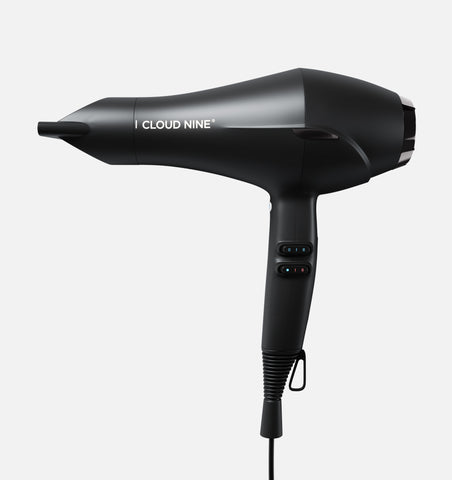
The Airshot Pro includes an automatic self cleaning function which helps to maintain the long-term health and efficiency of your hair dryer.
Follow these steps to activate Self-Clean Mode on your Airshot Pro:
1. Carefully remove the magnetic filter and sponge at the back of the Airshot Pro.
2. Press and hold both the air speed and temperature button for three seconds.
3. Once the cycle has been initiated, you can release your hold on the buttons. The cycle will last 10 seconds and will stop automatically.
4. We recommend you unplug your Airshot Pro after each use to reset Self-Clean Mode.
5. Put the sponge and magnetic filter back on.
Once you’ve followed these steps, your Airshot Pro will be ready to use again.
Watch a video tutorial here.
We’re incredibly proud of our kinder-to-hair products and are so confident that you will fall in love with them at first use, we’re offering a 45 day money back guarantee.
If for any reason you wish to return a product that you have recently purchased from cloudninehair.com, your order is covered by our 45-day no quibbles guarantee, excluding personalised products.
To return your product within 45 days of receipt and receive a full refund, please call our returns department on 01423 223 327 Monday – Thursday 9am - 5am and Friday 9am - 4pm. We will aim to process your return within 14 working days of receipt.
IMPORTANT POLICY NOTES:
All returned styling tools must be unmarked and undamaged, including the original packaging.
Any Cloud Nine gifts received with your original purchase must also be returned unmarked and undamaged to receive a full refund, with only the returns shipping cost of £5.99 deducted.
Monogrammed irons cannot be returned for a refund.
We will aim to process your return within 14 working days of receipt.
Unfortunately, we are unable to exchange items.
If you have purchased two styling tools with a bundle saving and decide to return one of your products, the product you are keeping will revert to the purchase price before the bundle discount. You will be refunded the difference upon receipt of the return.
We take pride in the quality of our styling tools, so we hope that you never experience any problems. However, in the unlikely event that your styling tool develops a fault, we will ensure the returns process is as quick and easy as possible.
To provide us with the information we need to process your return, please click here.
IMPORTANT POLICY NOTES:
All Cloud Nine styling tools are covered by a warranty period in line with our Term and Conditions. For professional use faulty returns contact us.
In Warranty defective styling tools will always be repaired where possible.
If we are unable to repair your styling tool, we will replace with a like-for -like product. However, in some instances the product colour may differ from the original item.
In the case of a styling tool replacement, the Warranty period remains in line with the Original Purchase date. There is no extended warranty period on a replacement styling tool.
Please do not return any accessories or boxes with your parcel as these are recycled on arrival to our Service Department. Accessories include the travel case, heat guard and product box.
If you are returning The Cordless Iron Pro please ensure you return your Cordless Iron Pro, Charger (with plug adaptors) and Charging Pod.
In the unlikely event you have a problem with your professional use styling tool please contact us so that we can resolve your situation as soon as possible. Professional use products are subject to our Professional Terms and Conditions.
Please note, we are unable to accept returns of Professional use or Salon retail styling tools in line with our Terms & Conditions of Sale agreed upon at the time of your professional account creation.
Got a question? Get in touch
Phone Numbers
UK: 01423 223327
International: +44 1423 223327
Monday to Thursday - 9am – 5pm
Friday - 9am - 4pm
Saturday and Sunday - Closed
Online Chat
Monday to Thursday - 8am – 5pm
Friday - 9am - 4pm
Our Office
A2 Hornbeam Square West
Harrogate
HG2 8PA